

Rust Structs: From Scattered Variables to Organized, Method-Powered Types
I was staring at a function signature that looked like this:
fn area(width: u32, height: u32) -> u32 {
    width * height
}
And something felt off. Not wrong — it works. But it smells. Width and height clearly belong together. They're describing the same thing. Why are they just floating around as separate arguments like two strangers at a party who definitely know each other?
That's when structs clicked for me.
What Is a Struct, Really?
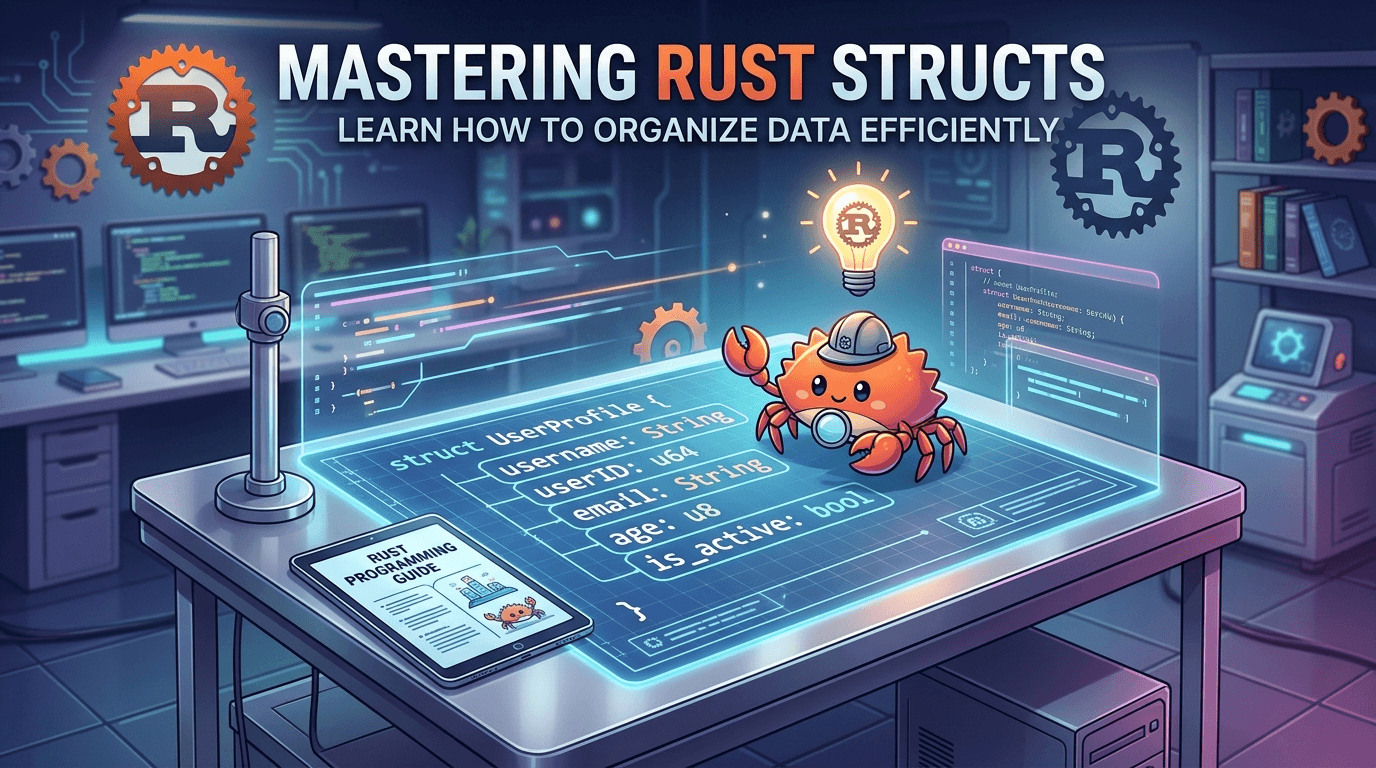
Think of a struct like a form. A user registration form has fields: name, email, whether the account is active. Those fields don't make sense in isolation — they belong together under the concept of "a user." A struct is how you express that grouping in Rust.
Where tuples let you group things by position ((30, 50) — wait, which one is width?), structs let you group things by name. That's the core win.
Here's the User struct I practiced with:
struct User {
    username: String,
    email: String,
    sign_in_count: u64,
    active: bool,
}
Different types, named fields, grouped under one concept. Instantly more readable than a tuple of (String, String, u64, bool).
Creating and Using Instances
Once you have a struct defined, you create instances of it. Each instance fills in the actual values for those fields:
let mut user1 = User {
    email: String::from("[email protected]"),
    username: String::from("padfoot"),
    sign_in_count: 1,
    active: true,
};
Fields don't have to go in declaration order — Rust doesn't care. Access them with dot notation:
let name = user1.username;
And if you marked the instance mut, you can update fields the same way:
user1.username = String::from("0x12md10");
One important thing I noticed: mutability is all-or-nothing on the whole struct. You can't say "only this field is mutable." Either the whole instance is mut or none of it is.

Build Functions and Field Init Shorthand
Often you'll want a constructor-style function to build instances. I wrote one called build_user:
fn build_user(email: String, username: String) -> User {
    User {
        email,
        username,
        active: true,
        sign_in_count: 1,
    }
}
Notice anything about email and username in the struct literal? No email: email — just email. When a function parameter has the same name as the struct field, Rust lets you use the field init shorthand and skip the redundant assignment. It's a small thing but it removes a lot of visual noise when you have many fields.
Struct Update Syntax
Another handy feature: creating a new instance from an existing one, only overriding what's different.
let user2 = build_user(String::from("[email protected]"), String::from("Harry"));

let user3 = User {
    email: String::from("[email protected]"),
    username: String::from("Bruce Wayne"),
    ..user2
};
The ..user2 says: "for any fields I haven't specified, copy them from user2." So user3 gets active and sign_in_count from user2. Clean.
Tuple Structs: Named Tuples
Sometimes you want a tuple to have a type name — so you can distinguish a Color from a Point even when they have the same shape.
struct Color(i32, i32, i32);
struct Point(i32, i32, i32);
Both have three i32s. But they're different types. A function expecting a Point won't accept a Color. This is useful when type safety matters more than field names.

The Rectangle Refactor: Why Structs Actually Matter
This is where things got concrete for me. I started with this:
fn main() {
    let width1 = 30;
    let height1 = 50;
    println!("Area: {}", area(width1, height1));
}

fn area(width: u32, height: u32) -> u32 {
    width * height
}
It works. But width1 and height1 are just floating variables with no relationship expressed in code. I refactored through tuples first:
let rect = (30, 50);

fn area(dimensions: (u32, u32)) -> u32 {
    dimensions.0 * dimensions.1
}
Better — one variable now. But dimensions.0 vs dimensions.1? Which is width again? The code lost meaning in the process.
The final version with a struct is clearly the best:
#[derive(Debug)]
struct Rectangle {
    width: u32,
    height: u32,
}

fn main() {
    let rect = Rectangle { width: 30, height: 50 };
    println!("Area: {}", area(&rect));
}

fn area(rectangle: &Rectangle) -> u32 {
    rectangle.width * rectangle.height
}
Named fields. A real type. And notice we're passing &rect — a reference — because we want to use the rectangle without taking ownership of it. The function just borrows it.
Printing Structs with #[derive(Debug)]
When I tried to println! a struct, Rust immediately complained:
`Rectangle` doesn't implement `std::fmt::Display`
Primitive types know how to display themselves. Custom structs don't — there's no single "right" way to format them. But Rust gives you a shortcut for debug-style printing:
- Add
#[derive(Debug)]above the struct - Use
{:?}in the format string (or{:#?}for pretty-printed multiline output)
#[derive(Debug)]
struct Rectangle { width: u32, height: u32 }

println!("rect: {:?}", rect);   // compact
println!("rect: {:#?}", rect);  // pretty
#[derive(Debug)] tells the compiler to auto-generate a Debug implementation for you. You'll use this constantly while building things out.
Methods: Attaching Behavior to Your Struct
Here's the real power move. That area function is intimately tied to Rectangle — but it's defined separately, hanging out in the global scope. Methods let you attach it directly to the struct using an impl block:
impl Rectangle {
    fn area(&self) -> u32 {
        self.width * self.height
    }
}
The first parameter is always &self — a reference to the instance the method is called on. Now you call it like:
println!("Area: {}", rect.area());
Much cleaner. And it makes the relationship explicit: area belongs to Rectangle.
I also wrote a can_hold method that takes another rectangle as an argument:
impl Rectangle {
    fn can_hold(&self, other: &Rectangle) -> bool {
        self.width > other.width && self.height > other.height
    }
}
Two parameters: self (the current instance) and other (a borrowed reference to another Rectangle). Usage:
if rect.can_hold(&rect1) {
    println!("Current rectangle can hold the other.");
} else {
    println!("Current rectangle cannot hold the other.");
}
Rust handles the referencing and dereferencing automatically when you call methods — you don't need different syntax for calling a method on a value vs. a pointer like you would in C++.

Associated Functions: The Struct's Static Methods
Not everything in an impl block needs to be a method. Associated functions don't take self as a parameter — they're tied to the type, not to an instance. The most common use is constructors.
impl Rectangle {
    fn square(size: u32) -> Rectangle {
        Rectangle {
            width: size,
            height: size,
        }
    }
}
You call this with :: syntax, not dot notation:
let rect2 = Rectangle::square(2);
String::from(...) is an associated function. Vec::new() is an associated function. Now you know what that :: means.
You can have multiple impl blocks for the same struct — Rust allows it. Normally you'd keep everything in one, but it becomes useful with generics and traits (a later chapter).
Bringing It All Together
Here's the final version of the Rectangle code from my practice session:
#[derive(Debug)]
struct Rectangle {
    width: u32,
    height: u32,
}

impl Rectangle {
    fn area(&self) -> u32 {
        self.width * self.height
    }

    fn can_hold(&self, other: &Rectangle) -> bool {
        self.width > other.width && self.height > other.height
    }
}

impl Rectangle {
    fn square(size: u32) -> Rectangle {
        Rectangle {
            width: size,
            height: size,
        }
    }
}

fn main() {
    let rect = Rectangle { width: 30, height: 50 };
    let rect1 = Rectangle { width: 20, height: 30 };
    let rect2 = Rectangle::square(2);

    println!("rect2: {:#?}", rect2);
    println!("Area: {} square pixels.", rect.area());

    if rect.can_hold(&rect1) {
        println!("rect can hold rect1.");
    } else {
        println!("rect cannot hold rect1.");
    }
}
From two scattered variables to a named type with behavior — that's the struct journey.
Key Takeaways
- Structs group related data with named fields, making your code self-documenting. Prefer them over tuples when fields have distinct meaning.
- Methods live in
implblocks and always take&self(or&mut self) as the first parameter. Call them with dot notation. - Associated functions (no
self) are called with::syntax — use them for constructors and type-level utilities likeRectangle::square(5).
References
- The Rust Book, Chapter 5: https://doc.rust-lang.org/book/ch05-00-structs.html